The TL;DR:
TL;DR: While “vibe-coding” (AI-generated sites) is excellent for rapid prototyping, it often fails at Generative Engine Optimization (GEO) and long-term SEO due to poor semantic structure and lack of technical ownership. For professional, scalable business assets, WordPress remains the superior infrastructure.
The Vibe-Coding Trap: Why Your Professional Site Needs More Than Just a Fast First Draft
The promise of “vibe-coding”, in this case describing a website in plain English and having AI generate the code, is, frankly, electrifying. In an afternoon, you can build a layout that would have taken a professional developer a week to build in 2020. It’s the ultimate shortcut.
But as the initial excitement over AI-generated websites settles, we are seeing a shift in the landscape.
While AI tools excel at prototyping, site owners are discovering that the “fast first draft” often carries heavy hidden costs. If your website is merely a placeholder (a pure static page), “vibes” are fine. But if your website is the engine of your business, you need more than just a quick build. You need a platform that scales, secures your data, and stays visible in an increasingly AI-driven search ecosystem.
The reality is that speed without structure is a liability. It’s a dangerous narrative to confuse a good-looking generated page with a maintainable publishing system.
Here is why, in 2026, the strategic choice for a professional site remains the one built on proven, owned infrastructure.
#1 The Power of Numbers: WordPress Still Leads the Market
For SEO, WordPress is still king.
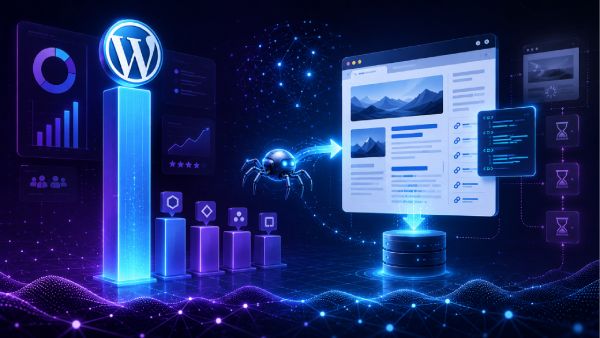
Start with the scoreboard. WordPress powers roughly 41.5% of all websites and holds around 59.3% of the known CMS market, according to W3Techs data widely reported through early 2026. Even after its first sustained dip in two decades (it peaked near 43.6% in mid-2025 before easing back), nothing else is close. Shopify, the number two CMS, sits in the low single digits, and the rest trail well behind that.
Market share alone does not prove SEO superiority, but the reason for the dominance does.
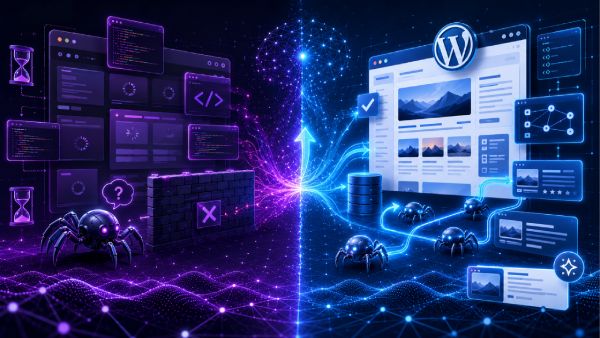
WordPress outputs clean, server-rendered HTML by default. When Googlebot requests a page, the content, headings, links, and metadata are already sitting in that first response. There is no waiting, no rendering queue, no second crawl wave required to understand the page. That single architectural fact removes the most common and most expensive technical SEO failure on the modern web.
#2 SEO & GEO: The Crawlability Crisis
If you read our article on 10 biggest SEO trends with actionable examples, you’re already familiar with the effects of zero-clicks, GEO, or Chatbots on SEO and GEO.
Last year’s trend hasn’t changed: the search landscape is (still) changing.
As noted in Google Search Central’s best practices, if your content relies entirely on client-side JavaScript to render, search engine crawlers (and generative AI engines) may struggle to index it correctly.
While AI search engines (GEO) are sophisticated, they aren’t magic. They need clear, clean, semantic HTML.
The bigger shift is happening one layer up, in how people search at all.
Roughly 68% of Google searches now end without a click, per SparkToro’s 2026 analysis. AI Overviews appear on more than 20% of searches and cut click-through rates by close to 60% when they show up.
This is what Generative Engine Optimization (GEO) is about: getting your content interpreted, trusted, and quoted by ChatGPT, Gemini, Perplexity, Claude, and Google’s AI features.
Here is the part most “vibe-builders” miss: The crawlers behind these systems are even less forgiving than Googlebot. OpenAI’s GPTBot, Anthropic’s ClaudeBot, and Perplexity’s crawler largely do not execute JavaScript at all. They fetch the raw HTML response and parse whatever text is immediately present. If your content only appears after a script runs, these systems cannot see it, full stop.
WordPress serves that raw HTML on the first request, which is exactly the substrate generative engines need. Layer on structured data and entity-rich, well-organized content, tasks made trivial through the plugin ecosystem, and you hand AI systems clean signals about what your page covers and why it deserves a citation.

#3 The Accessibility Gap: A Warning from the Numbers
Have you noticed web accessibility scores trending downward over the last 18 months? You aren’t alone.
According to WebAIM’s Project Million report, there’s a roughly 10% drop in accessibility compliance across the web from 2025 to 2026.
A major culprit just might be the influx of client-side rendered sites generated by AI builders. These sites often prioritize the “vibe”, the look and feel, while neglecting the semantic HTML structure that screen readers and assistive technologies require.
Organizations like WebAIM have consistently highlighted that true accessibility is not just about having a pretty interface; it’s about the structural integrity of your code. If the AI doesn’t understand the semantic difference between an <h1>, a <div>, and a <button>, your site effectively becomes invisible to a significant portion of your audience.
#4 The “Fast Site” Illusion
Vibe-coded sites are often marketed as “blazing fast”.
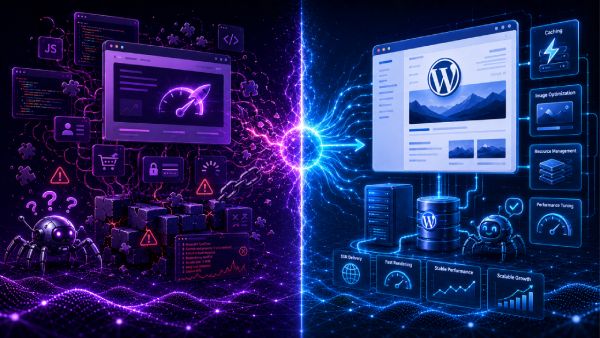
But here is the nuance: they are usually only fast if you serve static HTML that does absolutely nothing. In that case, you’ll get way cheaper and better results with a simple business card alone.
Once your site needs actual functionality, such as dynamic forms, user logins, eCommerce, or any type of live data or data processing, these “vibe-coded” stacks often become heavy, complex, and difficult to debug. If you aren’t a senior software engineer, fixing a broken React dependency or a JavaScript conflict in an AI-generated site is a nightmare.
Contrast this with a WordPress foundation.
Because the WordPress ecosystem relies on mature, server-side rendering (SSR) best practices, the heavy lifting of page speed, including caching, image optimization, and resource management, is handled by established tools like Cloudflare, WP Rocket, Perfmatters, or OceanWP’s Site Booster.
With WordPress you aren’t fighting your code, you’re managing your content.
#5 The “Platform Lock-In” Risk
Remember the platforms or apps that came and went?
Think MySpace, OpenAi’s Sora, Google+, Skype, Friendster, or Vine. When the platform “died”, the user’s work and data went with it.
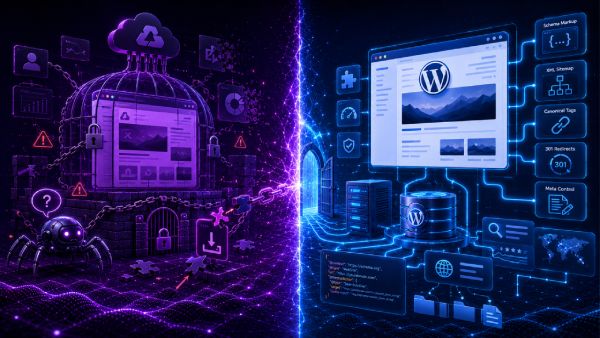
When you build a site solely inside an AI-driven “walled garden” builder, you don’t own the technical architecture. You own a temporary rendering of a layout. If that provider goes out of business or pivots their product, moving that “vibe-coded” logic to a standard server is often impossible. You aren’t just building a site, you’re building a dependency.
With a self-hosted platform like WordPress, you own the code.
You ensure the Schema markup is correct, your sitemaps are valid, and your site is optimized for the future of search. Over 20 years of WordPress plugin development means Schema markup, XML sitemaps, canonical tags, redirects, and meta control are solved and solvable problems.
Tools like The SEO Framework and Yoast handle in minutes what custom stacks bill hours for.
The Bottom Line: Strategic vs. Tactical
We are big fans of using AI to speed up workflows.
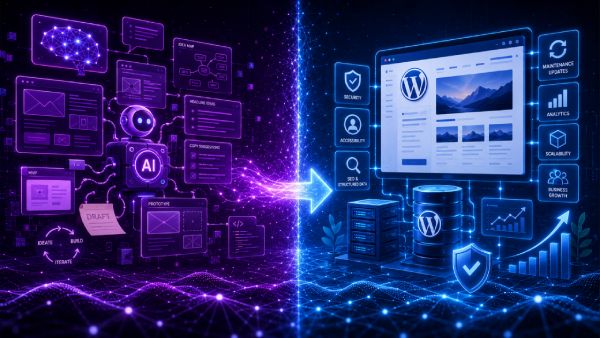
It’s excellent for generating ideas or images (such as these used in this article), writing copy suggestions, prototyping layouts, doing research, etc. But there’s a clear distinction between a tactical prototype and a strategic production environment.
AI is not the problem. Misusing AI as a replacement for architecture is.
Our advice for 2026:
- Use AI for the draft: Use it to validate concepts, generate headers, find the optimal workflow for your website, build creative page layouts and effective flows. That’s where AI really shines.
- Build the product on WordPress: When it comes time to launch, move that logic onto a stable, proven architecture that serves both human visitors and AI crawlers correctly. Ownership, SEO, accessibility, structured content, security, maintenance, extensibility, and long-term business value: this is where WordPress shines.
A professional website is not a one-time project; it’s a living asset. It requires security patches, accessibility maintenance, and SEO oversight. By building on a foundation designed for long-term health, you ensure that your site doesn’t just look good for a week but instead works for your business for years.
In short, use AI to move faster. Use WordPress to build something that lasts.
Are you managing your site effectively? If you’re building on WordPress, check out our article on 23 Most Common WordPress Mistakes (and how to fix them) or our curated list of 17 useful WordPress plugins every designer should know about.
Building with OceanWP? We’d love to hear your feedback. Share your experience and let us know how we can improve, and we’ll send you our Website Review Checklist to ensure your foundation is built to last. (No subscriptions required, and we won’t add your email to any mailing lists.)